
How to connect your Zoom?
Connecting Your Zoom account is as simple is a click away in Dreamleads
Each Social will become unique inside the group.
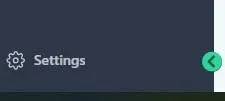
Step 1: Click on the Settings Link at the bottom left of the navigation Pane.
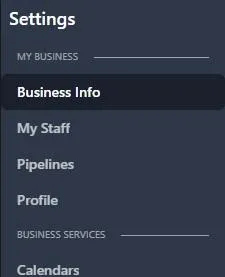
Step 2: Once you're in Settings, look for Profile at the navigation pane and click on Profile.
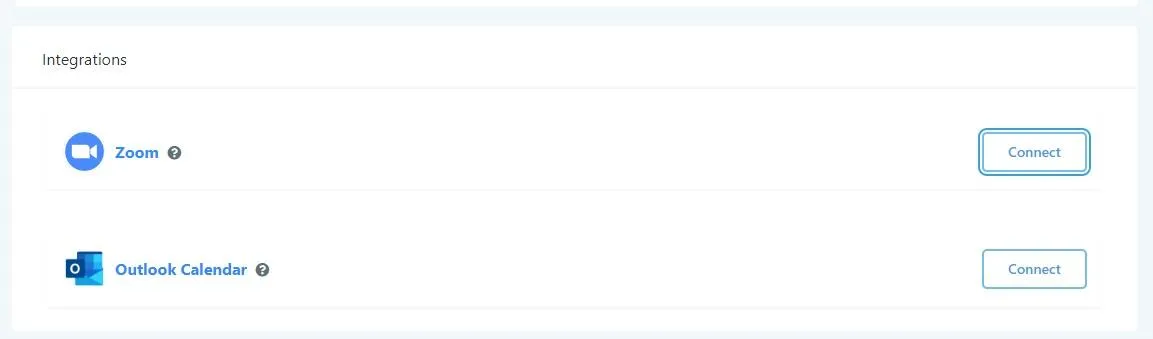
Step 3: Scroll down and look for Integrations. Once you see Zoom, click on Connect!
Step 4: A pop up will appear asking you to allow to Connect your Zoom. Make sure to click on the Allow button, and DLA will handle the rest of the integration.
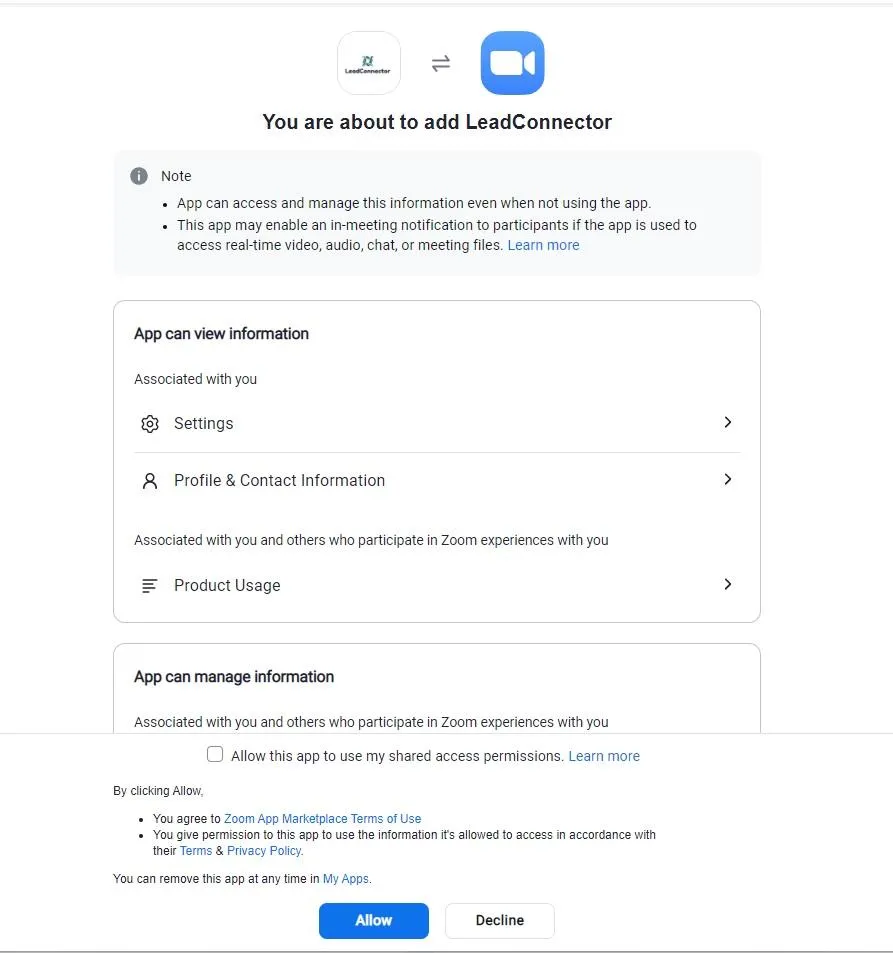
Step 5: A pop up will appear asking you to allow to Connect your Zoom. Make sure to click on the Allow button, and DLA will handle the rest of the integration.
Conversations
Reporting
If you have any suggestions for an automation or questions you can send an email to [email protected]