
Email Builder
Email Builder allows you to create robust emails that you can use and send to multiple clients the difference between using the email builder and template is the email builder allows you to create an email with images with a drag and drop functionality
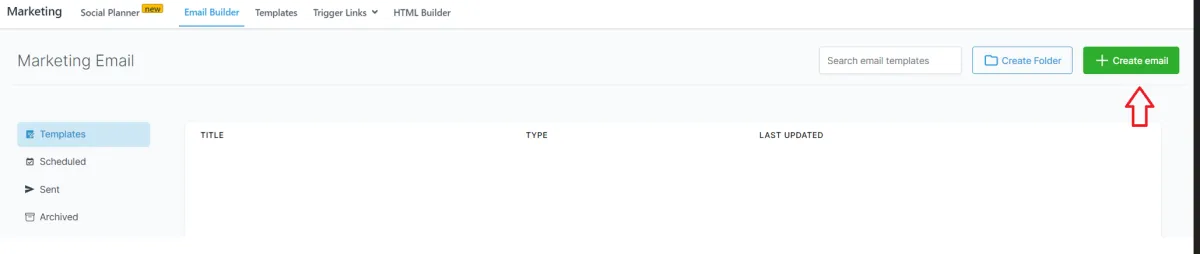
Step 1: Go to Marketing,
Select Email builder
Click on Create Email
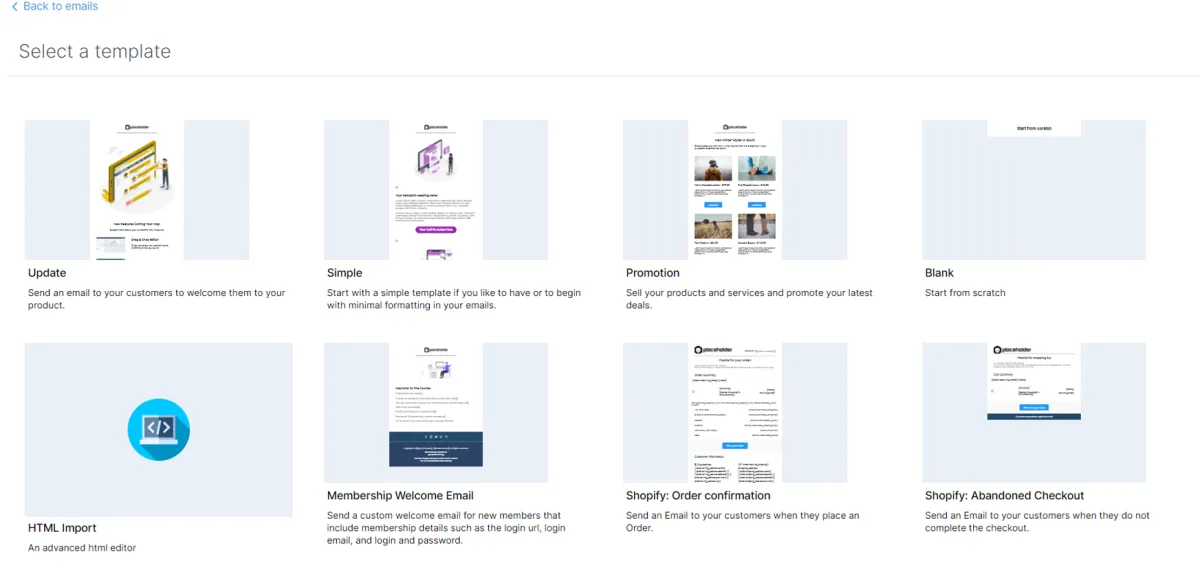
DLA Provides pre built templates you can start on the "simple " template or if you want to start from scratch select "Blank" template
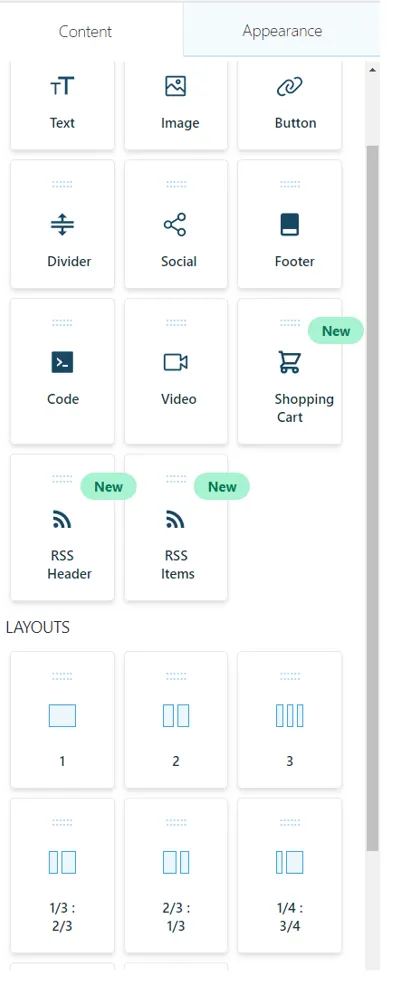
There are different content items that you can place on the canvas and each one has different options that you can use to edit.
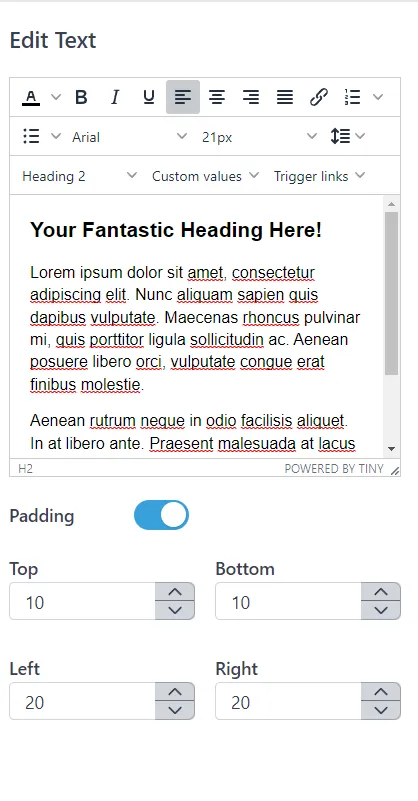
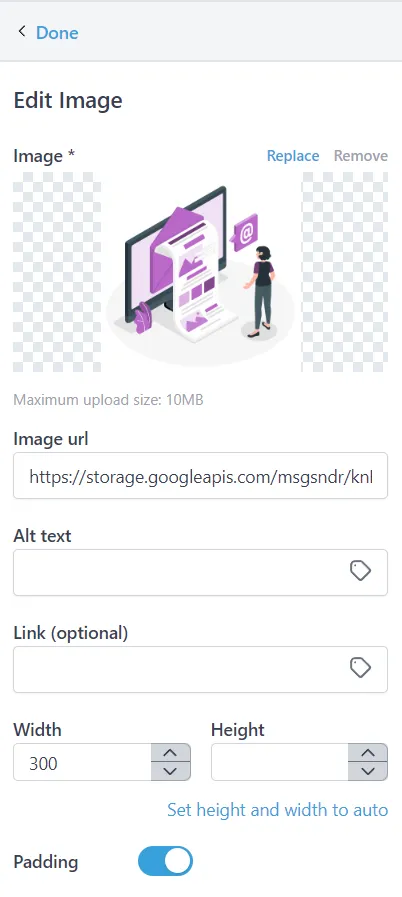
For image item for example you can drag and drop the image to the canvas and the edit options will be visible to the left
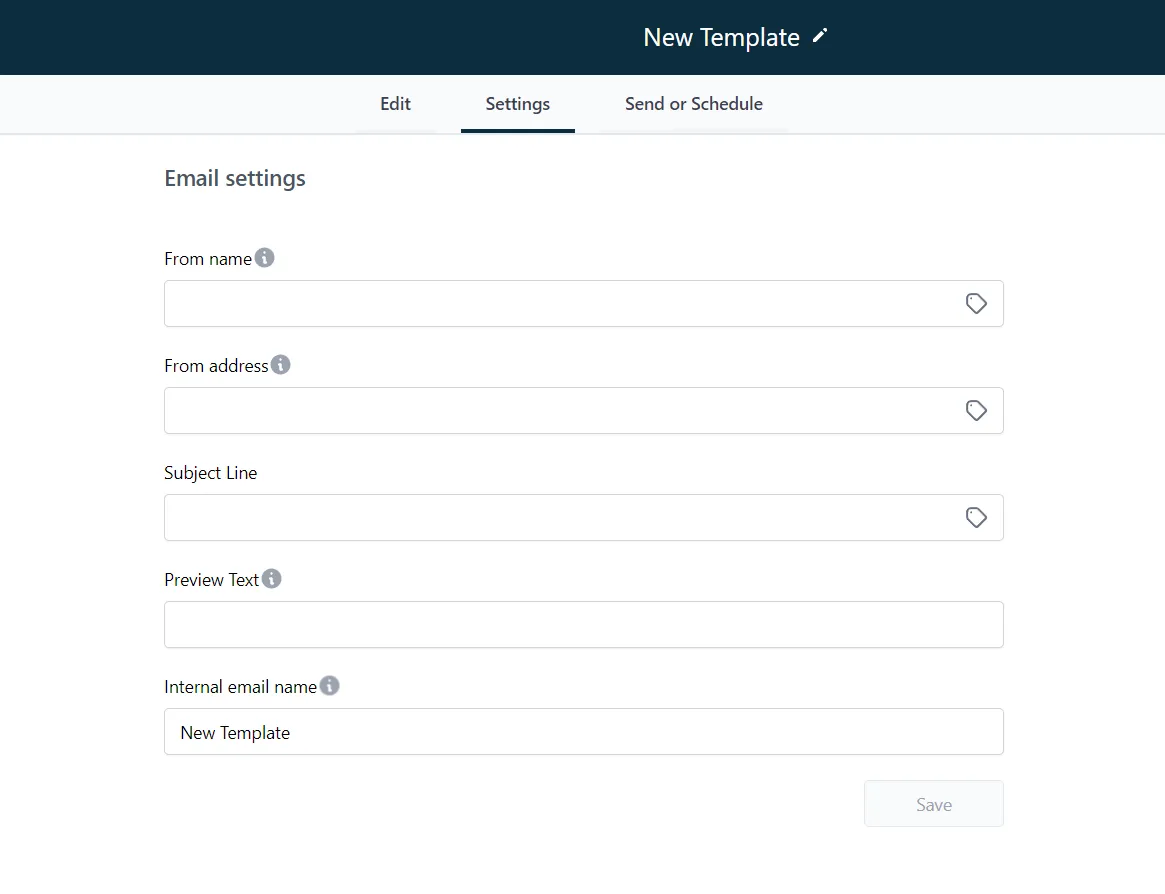
Once you are done click on settings tab and you can configure the following
- From Name - name that will appear on the email once the client receives them
- From Address - email address that will send the email
- Subject Line - subject of the email
- Preview Text - Preview Text that will appear on the email
- Internal Email name - name of the email saved in DLA for internal use

Once done you can review and send and hit save on the left
You can now use the templates in sending to your different contacts or a list of contacts
Conversations
Reporting
If you have any suggestions for an automation or questions you can send an email to [email protected]